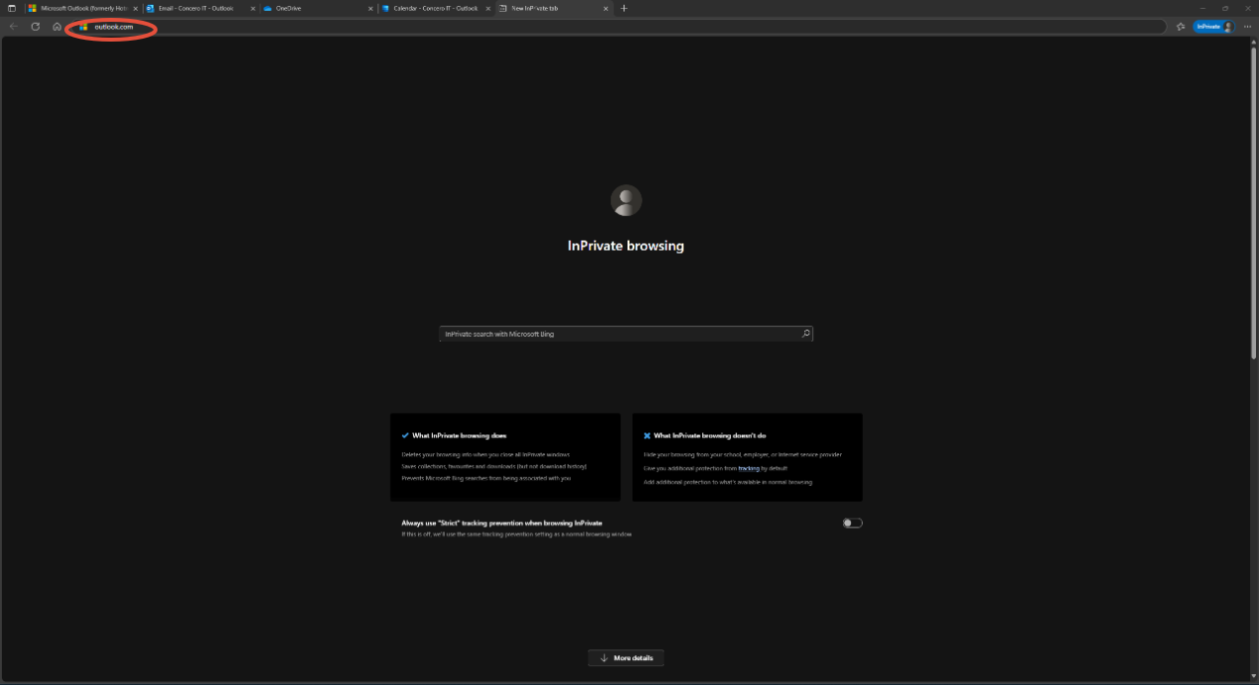
Open your browser for e.g edge
Then In the URL bar at very top search: Outlook.com
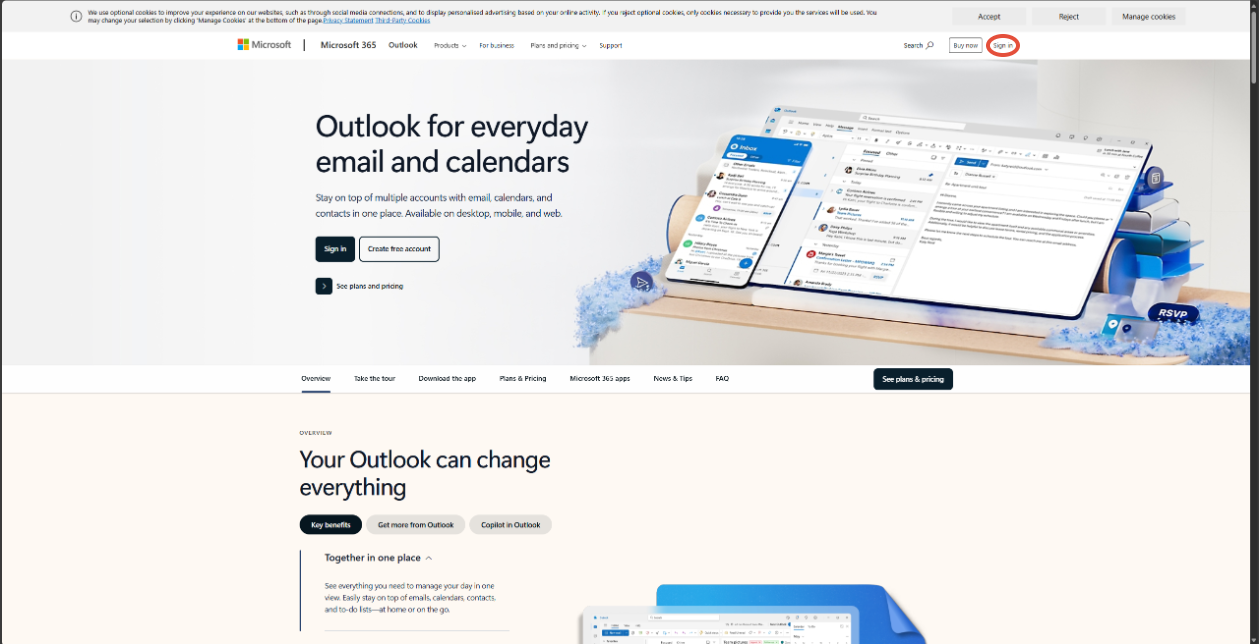
Then click sign in once on the website.
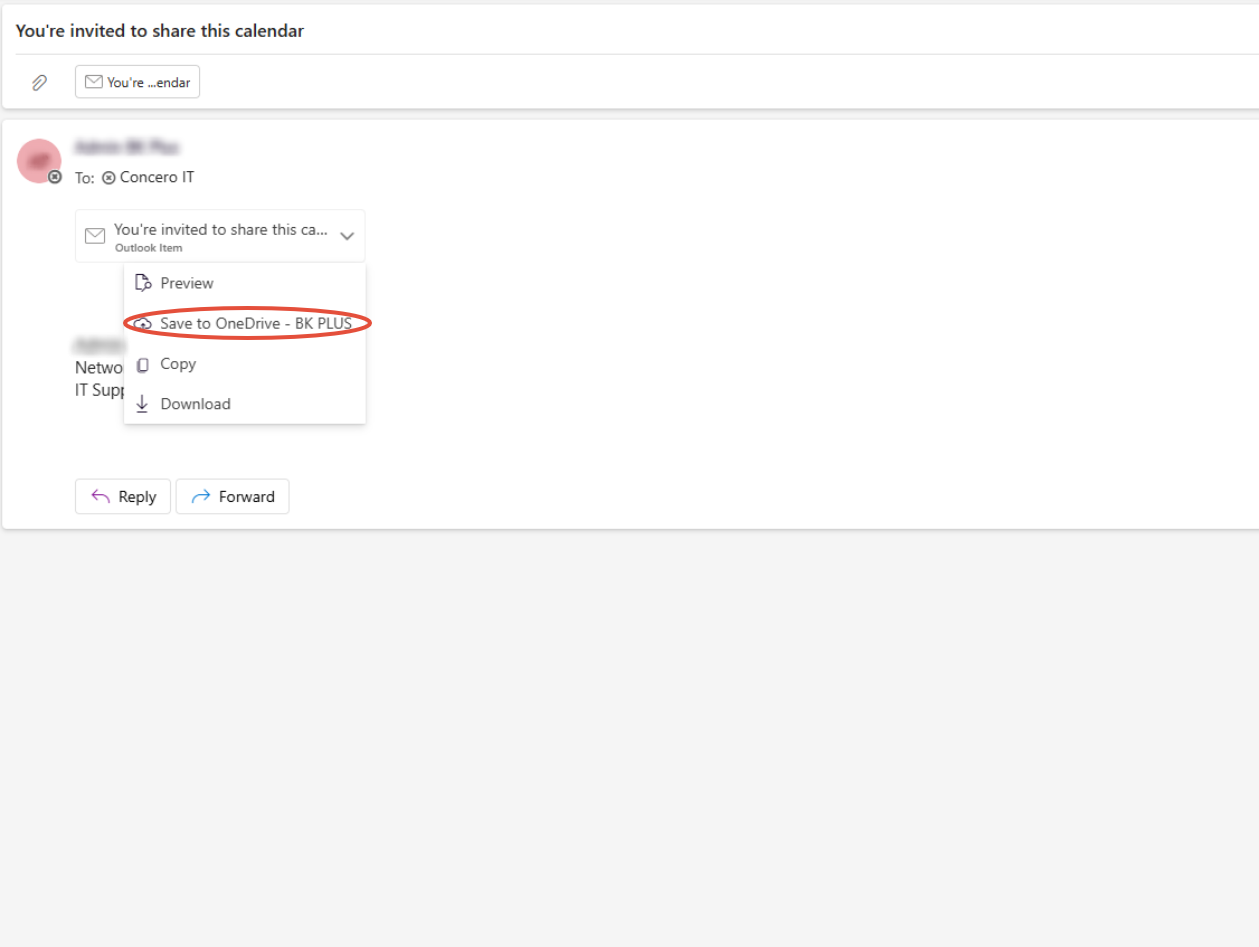
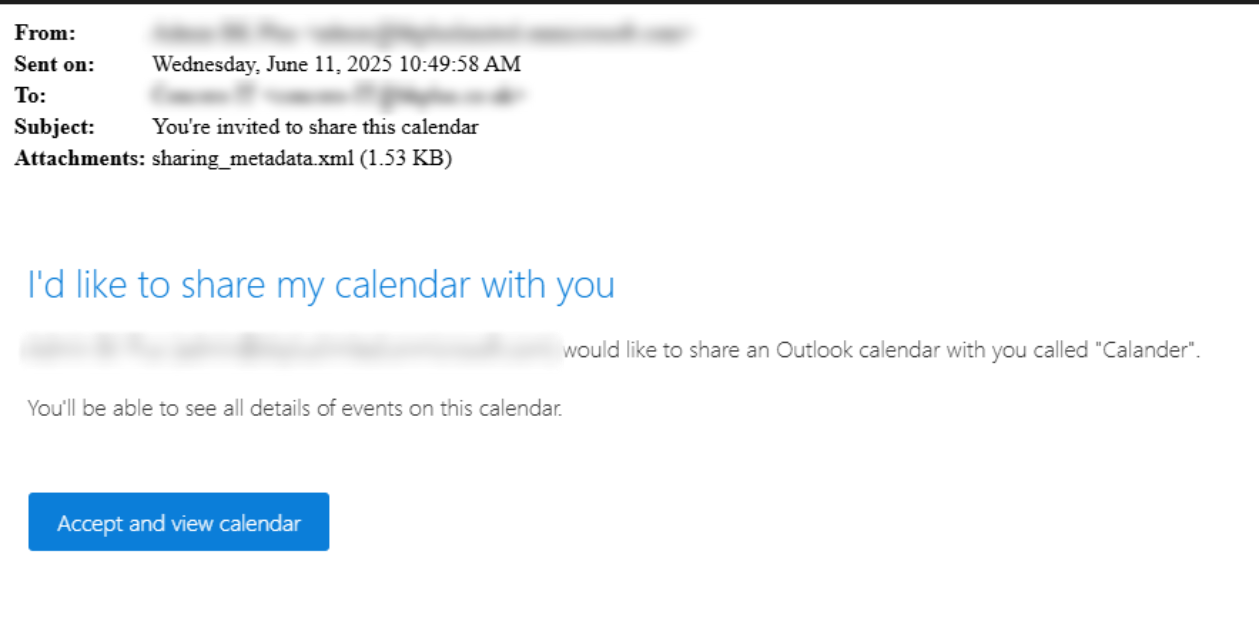
And then sign in, once signed in and on emails go to the calendar invite and click the drop down and choose Save to OneDrive.
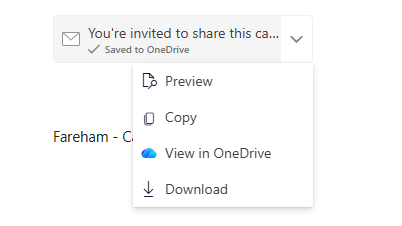
Once you have done this, click on the drop down again and choose View in OneDrive.
After this right click the button that says: Accept and view calendar, and click Open link in new tab
This should then show the calendar within your other calendars, both on the Outlook online version and the Outlook app.
Was this article helpful?
That’s Great!
Thank you for your feedback
Sorry! We couldn't be helpful
Thank you for your feedback
Feedback sent
We appreciate your effort and will try to fix the article