- Open a browser of your choice.
- Go to https://outlook.office.com/mail/
- This will take you to a page that looks like this:
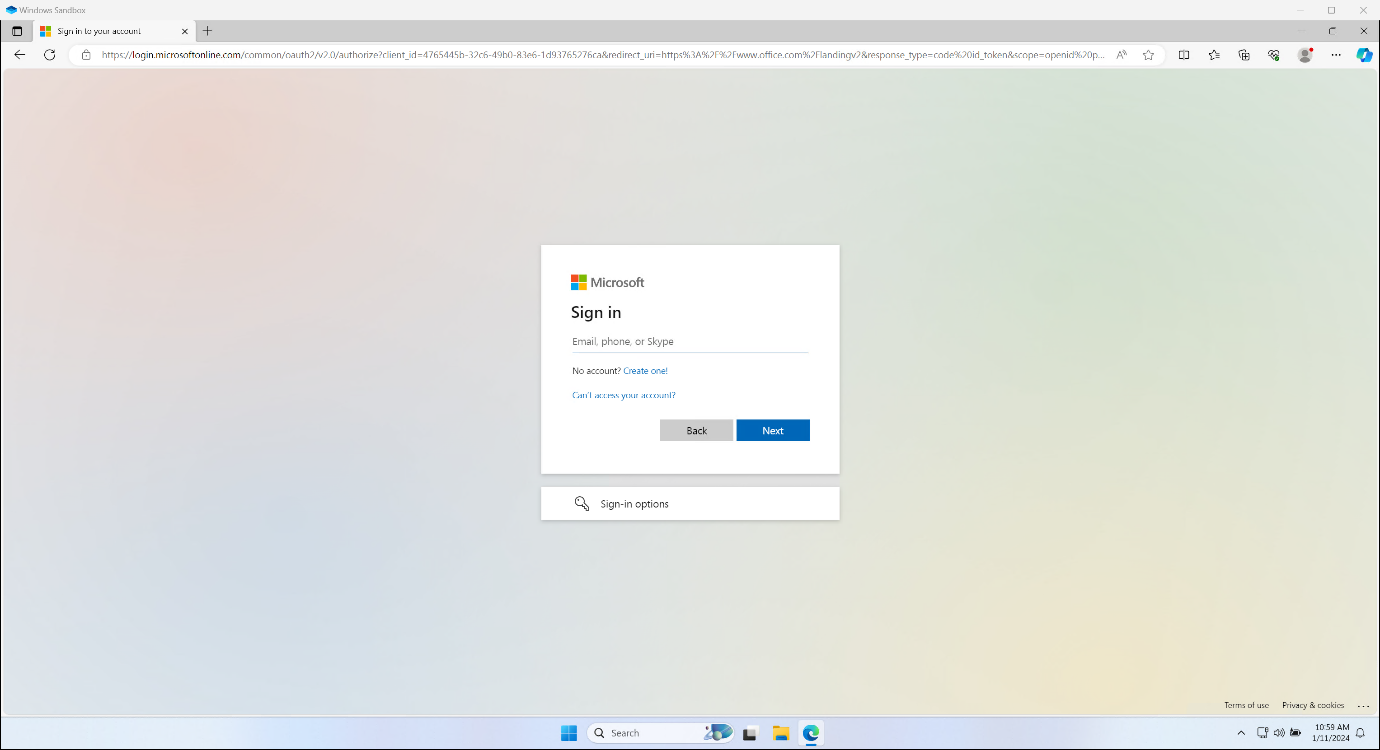
Then Login with your Office 365 credentials,
you should then be taken to a screen like shown below.
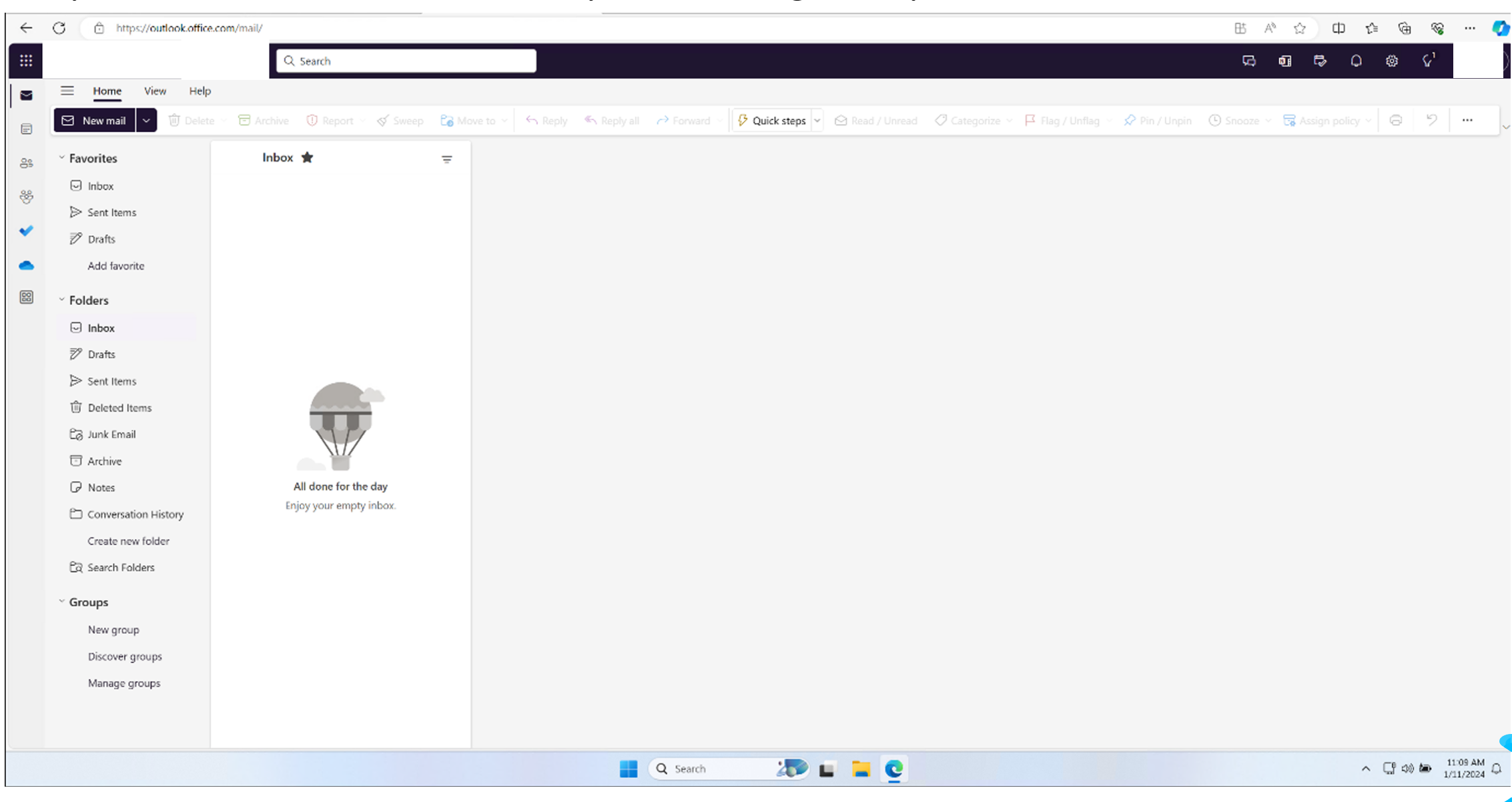
You now are able to access all your emails right from your browser.
Was this article helpful?
That’s Great!
Thank you for your feedback
Sorry! We couldn't be helpful
Thank you for your feedback
Feedback sent
We appreciate your effort and will try to fix the article